
)

Start investing with Alpian
Open an account with the code SMOLIO, start investing and receive up to CHF 120.
How to apply

)
Apply
Open an account with promo code SMOLIO.
)
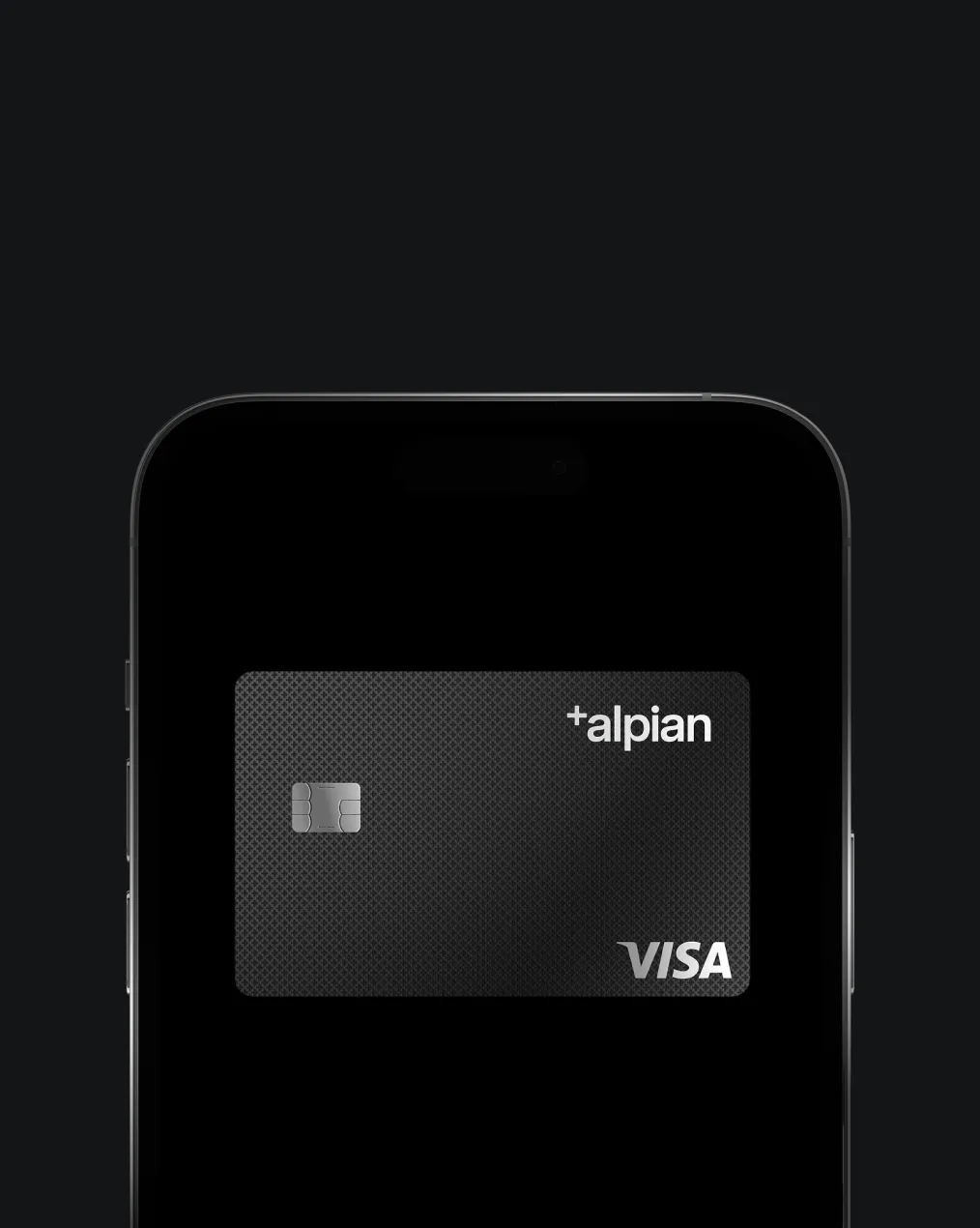
Deposit
Deposit a minimum of CHF 500 and start investing.
)
Bonus
CHF 55 cash + CHF 65 investment fees credit
Features that were built for you
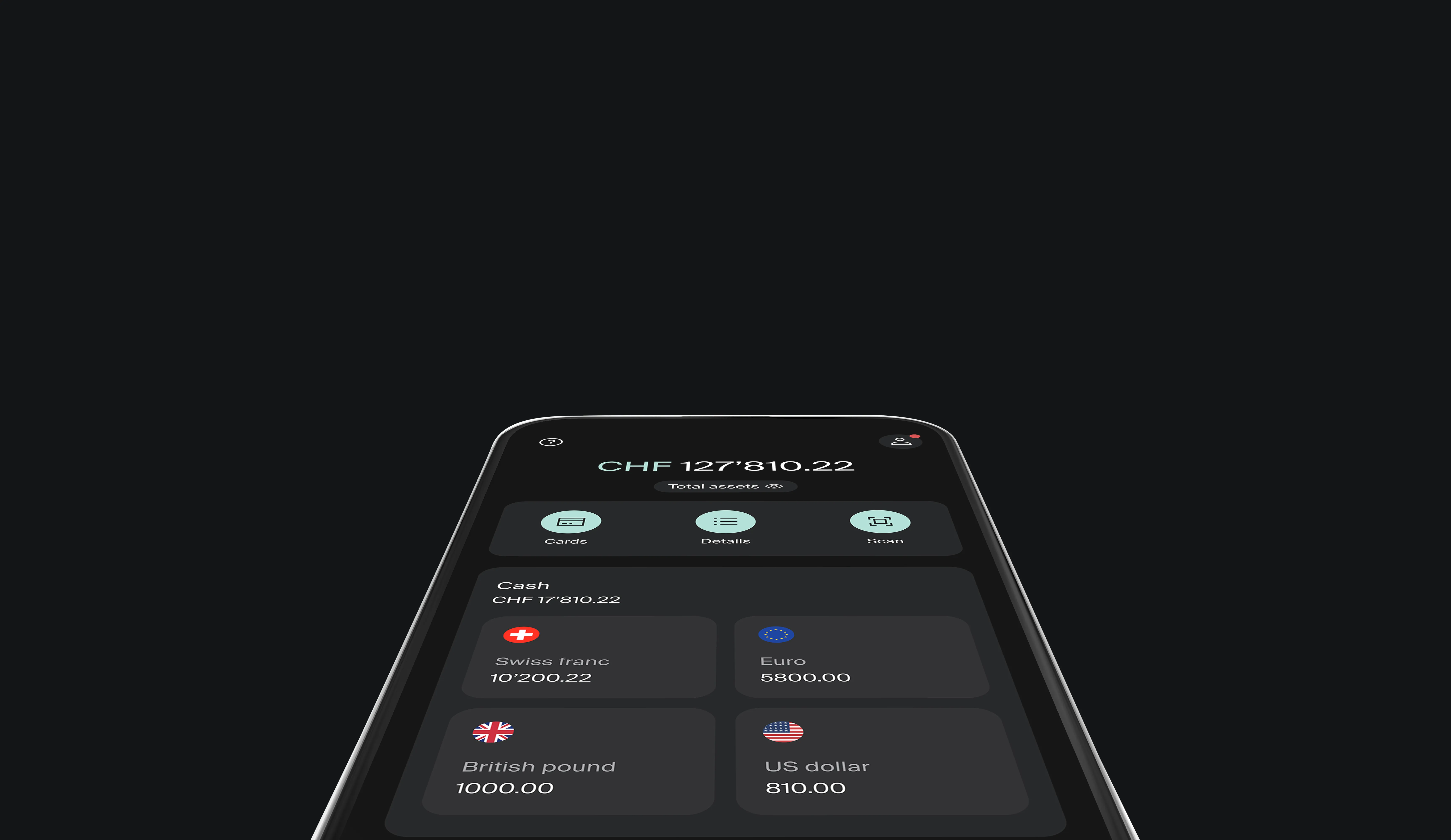
Multi-currency account
Store, spend, and convert your CHF, EUR, USD and GBP instantly without commissions.
Three investment plans designed for you
Build your portfolio to reach your financial goals.
Pillar 3a built for performance
Grow your retirement capital with a 3a designed to maximise long-term returns
Flexible savings account
Instant access, monthly interest, no fees, notice periods, or deposit limits.
)

Invest your way
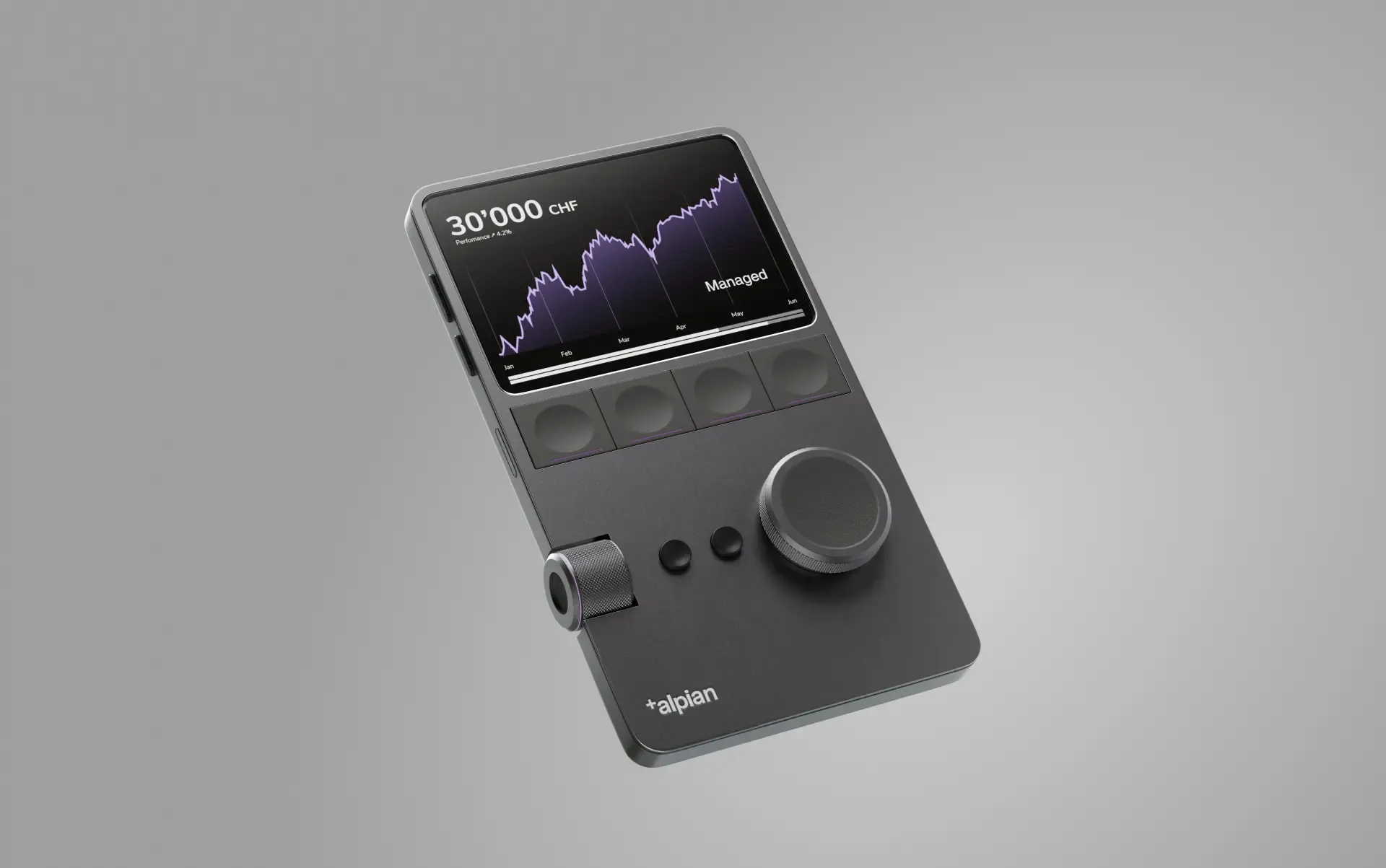
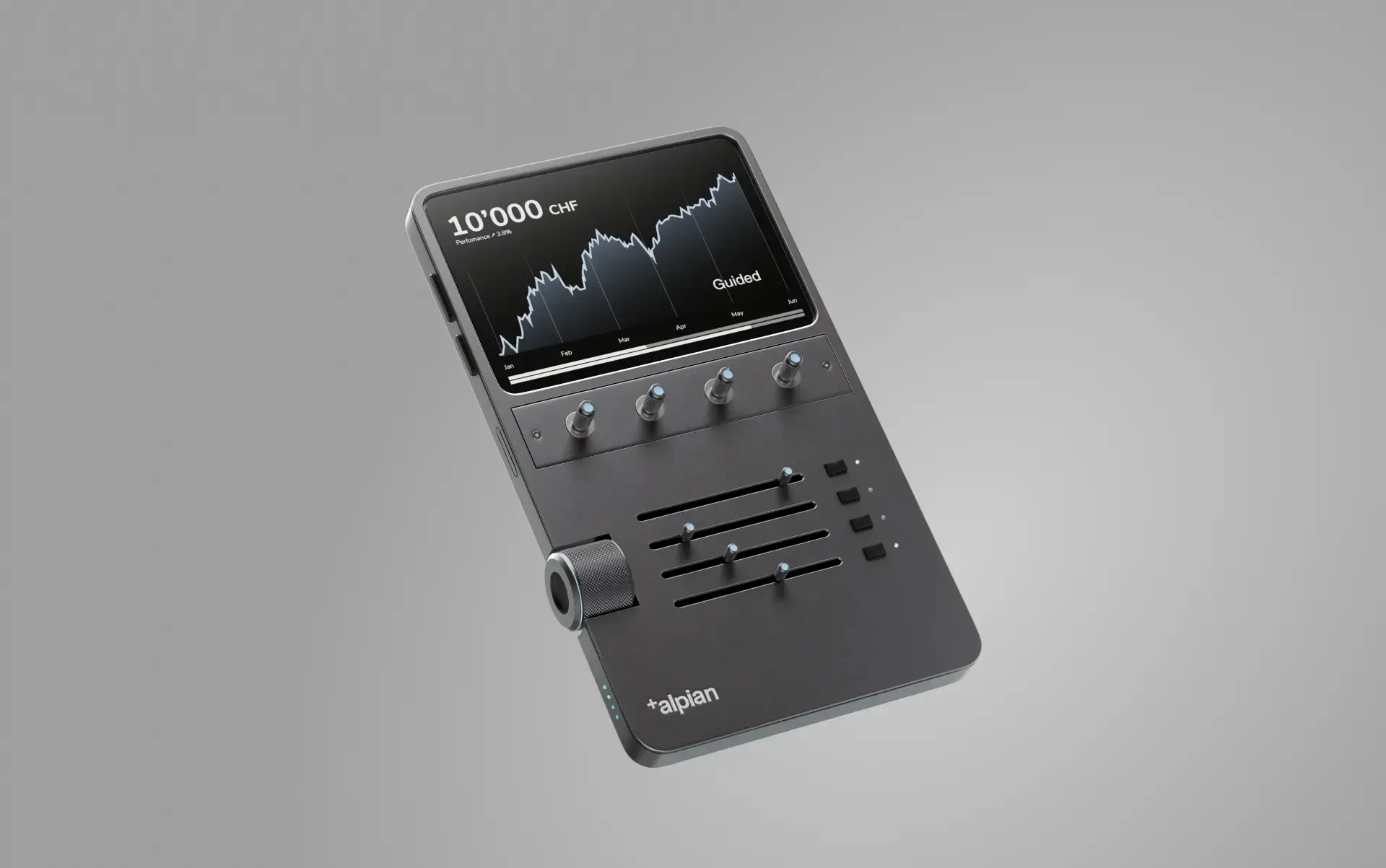
Get a personalized portfolio built with ETFs selected for performance, guided by experts, and with the flexibility to invest at your own pace.
:fill(transparent))
:fill(transparent))
Personalised portfolios
Our technology builds portfolios around your goals, keeping investing simple and effective.
:fill(transparent))
:fill(transparent))
Daily optimisation
Portfolios are automatically adjusted in line with your strategy.
:fill(transparent))
:fill(transparent))
Free financial advice
Expert guidance whenever you need it, free of charge.
:fill(transparent))
:fill(transparent))
Recurring investments
Set up automatic contributions and grow your wealth consistently.
:fill(transparent))
:fill(transparent))
Curated ETFs
Selected to ensure diversification, balanced risk, and strong performance.
:fill(transparent))
:fill(transparent))
3 ways to invest
Select from 3 mandates, managed or advisory, always with Alpian by your side.
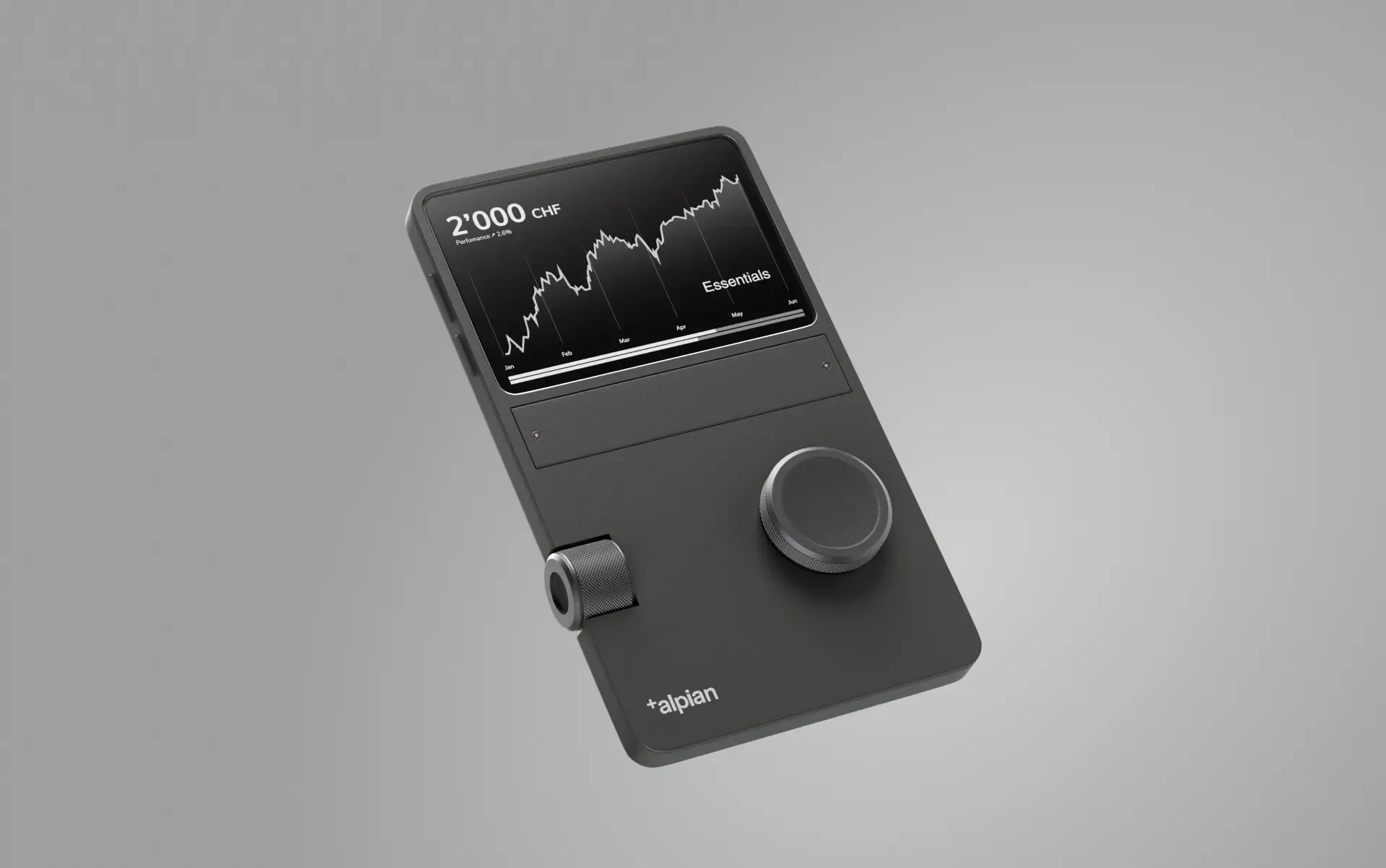
Which investment plan is right for you?
)
)
)
)


4.5 stars rating on App store
Top 3 Swiss Neobanks
Comparison of costs - Account and card
Bronze award
Neobanks & Fintech Players
)
Manage your salary
Receive your salary at Alpian and enjoy a Swiss IBAN, eBill, QR payments, and powerful features to manage your money with ease, at no cost.
All the advantages for your everyday banking
:fill(transparent))
:fill(transparent))
Multi-currency account
Hold CHF, EUR, USD, and GBP to pay and transfer without conversion fees.
eBill
Pay your invoices online directly from your Alpian app. No more paper, no more delays.

QR code payment
Settle bills fast by scanning QR codes directly in the app.
:fill(transparent))
:fill(transparent))
TWINT Prepaid
Pay easily online or in-store with TWINT.
:fill(transparent))
:fill(transparent))
Alpian Direct
Send and receive money instantly with other Alpian clients. 24/7.
:fill(transparent))
:fill(transparent))
Apple Pay and Google Pay
Add your Alpian card to your phone and pay with just a tap.
:fill(transparent))
:fill(transparent))
Metal card
A metal card that combines security, style, and four currencies in one.
:fill(transparent))
:fill(transparent))
Virtual cards
Instantly create up to 5 free multicurrency cards for safe shopping worldwide
:fill(transparent))
:fill(transparent))
Savings account
Grow your money and keep your funds accessible.

)
)
)
Open your free bank account
Download the app and open your account in just a few minutes with the preferential code SMOLIO.


Frequently asked questions
How do I open an account with Alpian?
To open an account with Alpian, begin by downloading the app, available for both iOS and Android devices. During the sign-up process, you will be asked to provide some personal information and complete a quick ID verification to ensure security and compliance.
Eligibility requirements: You must hold a valid Swiss residence permit and provide an original, valid passport or national ID. Please note that photocopies will not be accepted.
Activating your account: The final step to activate your account involves making a deposit that must come from a bank account registered in your name at a licensed bank located either in Switzerland or a FATF country.
Important: Because of FINMA regulations, funds transfers from companies like Revolut, PayPal, or Wise are not accepted.
Are my deposits protected with Alpian?
Yes, your money is protected with Alpian.
Alpian is a fully licensed Swiss bank, regulated by the Swiss Financial Market Supervisory Authority (FINMA). As a Swiss bank, Alpian is a member of the deposit guarantee scheme esisuisse, which protects client deposits up to CHF 100’000 per client in the event of a bank failure.
In addition, Alpian is part of the Intesa Sanpaolo Group, one of Europe’s leading banking groups, reinforcing the security and stability behind our operations.
Your assets and deposits are protected in accordance with Swiss banking regulations, ensuring the same level of security as with any other Swiss bank.
How does the multi-currency account work?
Our multi-currency account allows you to hold the four most commonly used currencies—CHF, EUR, USD, and GBP—under a single IBAN. This feature enables you to hold, transfer, pay, save, and receive money in these currencies without the need for multiple bank accounts.
Funds are credited in the currency they are received in. For example, if you receive 100€, it will be credited and stored in euros. This is perfect for frequent travelers and expats, as it allows you to manage your finances without commissions or high exchange rates.
Can I use TWINT with an Alpian account?
Yes, the pre-paid version of TWINT can be funded through your Alpian account. Please follow the steps below to get started:
Download the prepaid TWINT & other banks application.
Complete the TWINT account opening process.
Once the TWINT account is open and verified, select the Payment option within the TWINT mobile application.
An email will be received from TWINT which includes a QR code with which to make the payment to fund the account.
Login to your Alpian account, navigate to the Cash page, and select Payments.
Select the QR payment option and scan the QR code sent by TWINT.
Once the payment is complete, the TWINT account will be funded and available for use.